Add a Person to a Photo
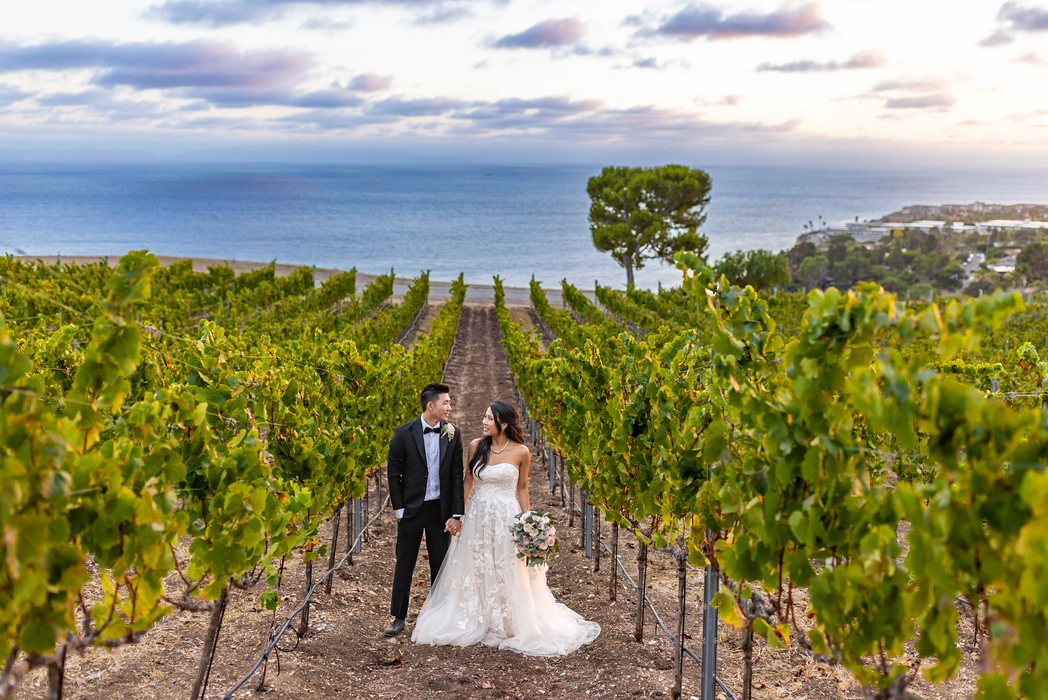
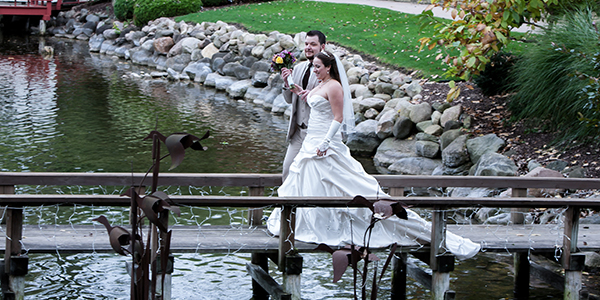
A grandparent arrived late, or the couple left before the family photo. Our retouchers add a person or couple to your group photo by hand, so it looks like they were there.

 Couple added in the group
BeforeAfter
Couple added in the group
BeforeAfter
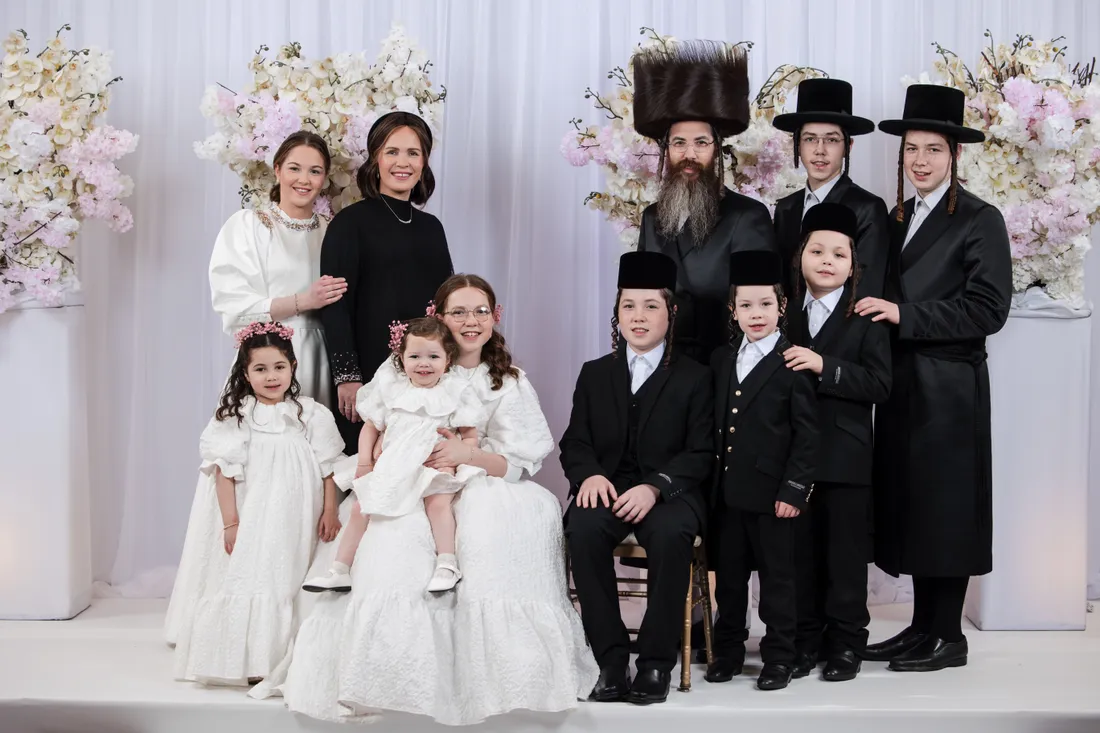
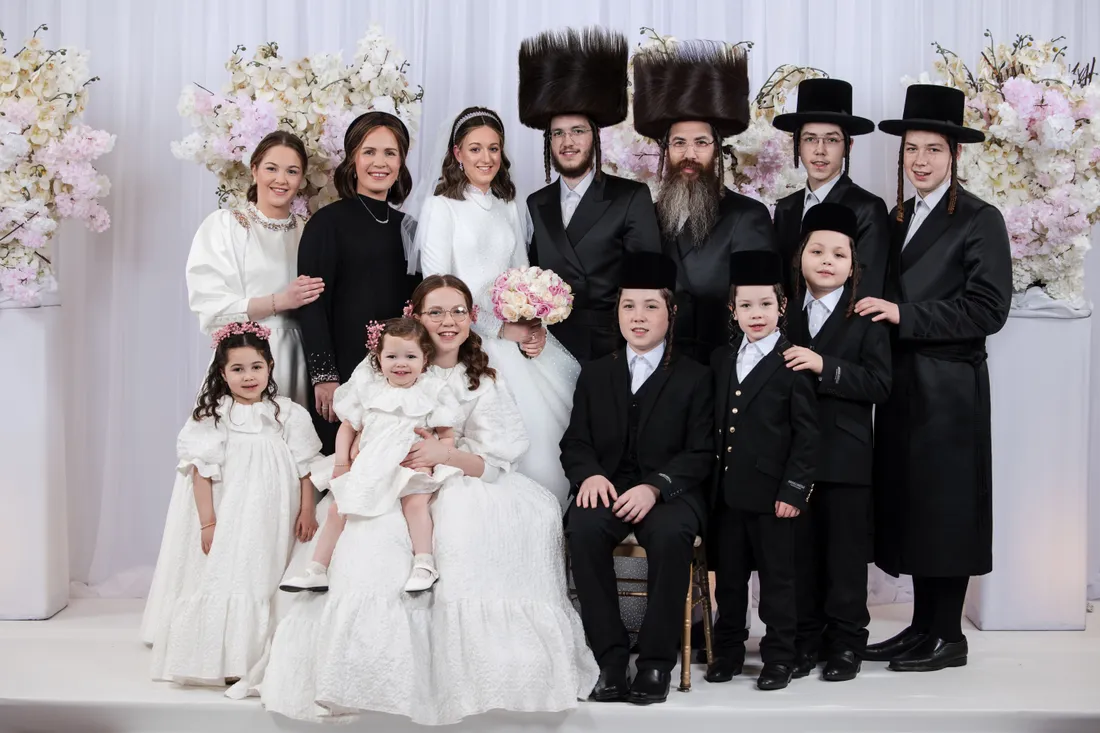 Couple added in the group
BeforeAfter
Couple added in the group
BeforeAfter

 Couple added in the group
BeforeAfter
Couple added in the group
BeforeAfter
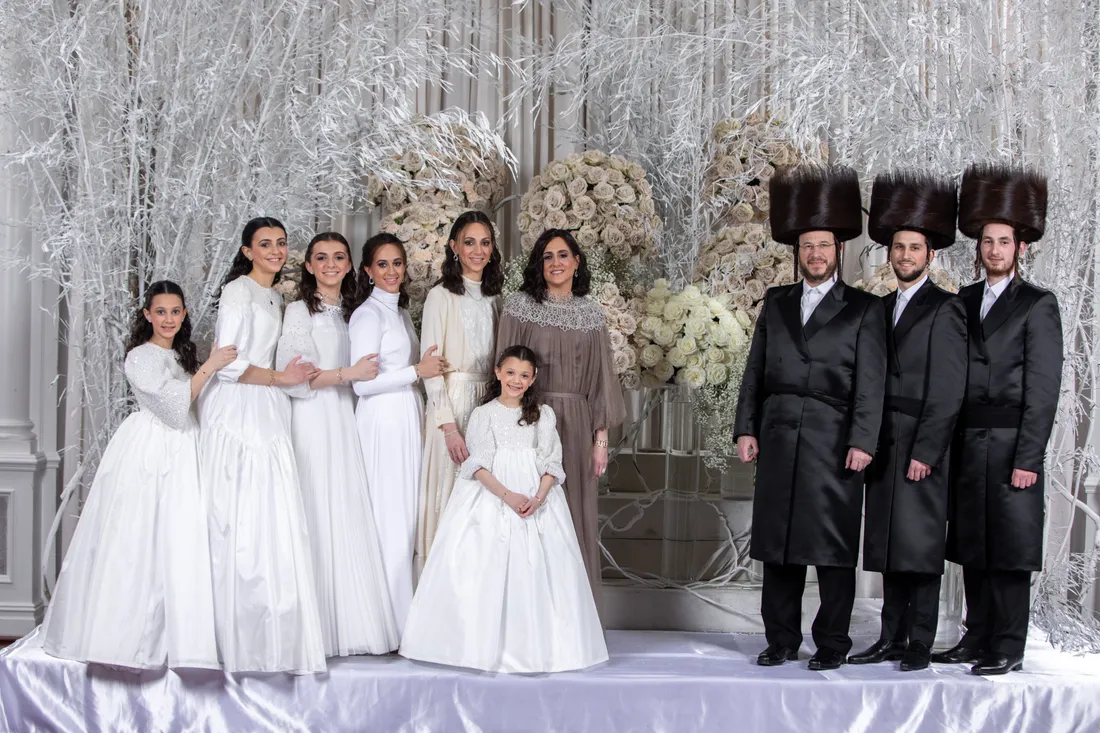
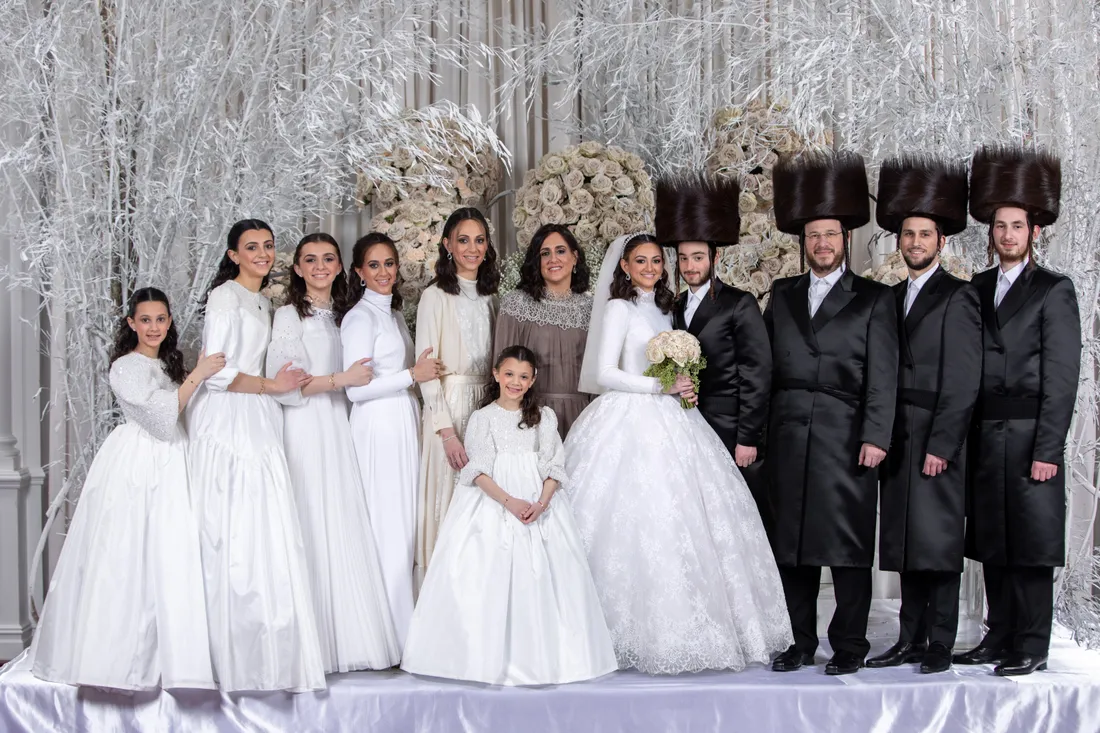 Couple added in the group
BeforeAfter
Couple added in the group
BeforeAfter

 Man added in the group
BeforeAfter
Man added in the group
BeforeAfter
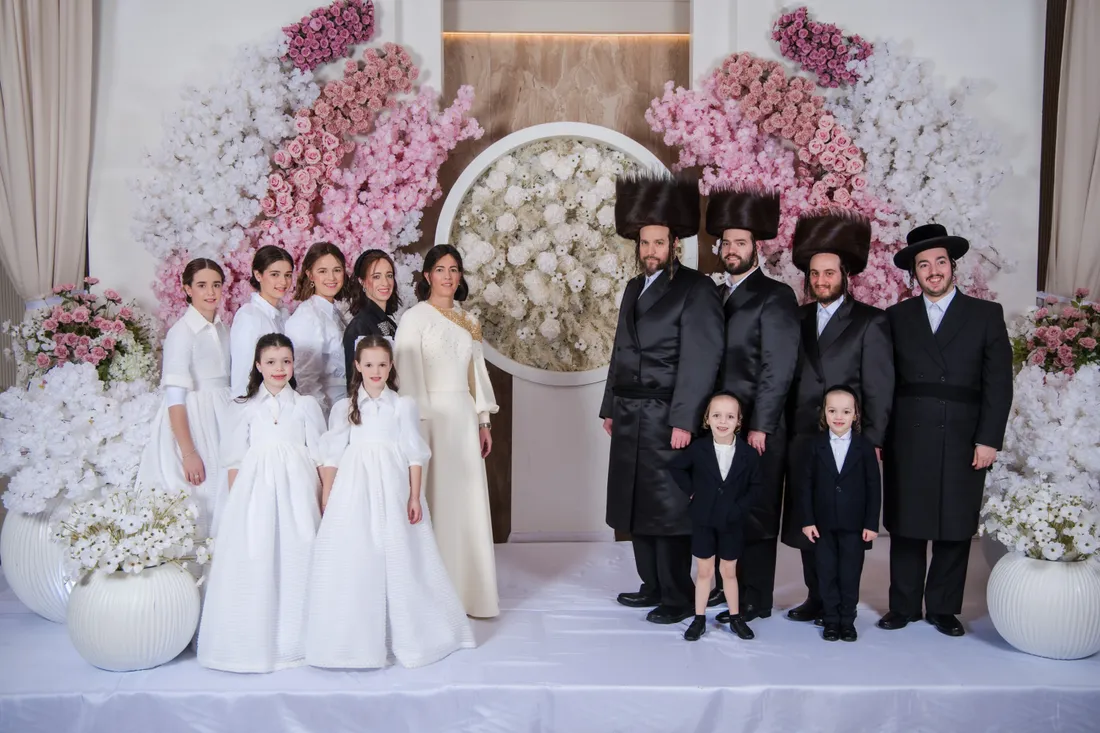
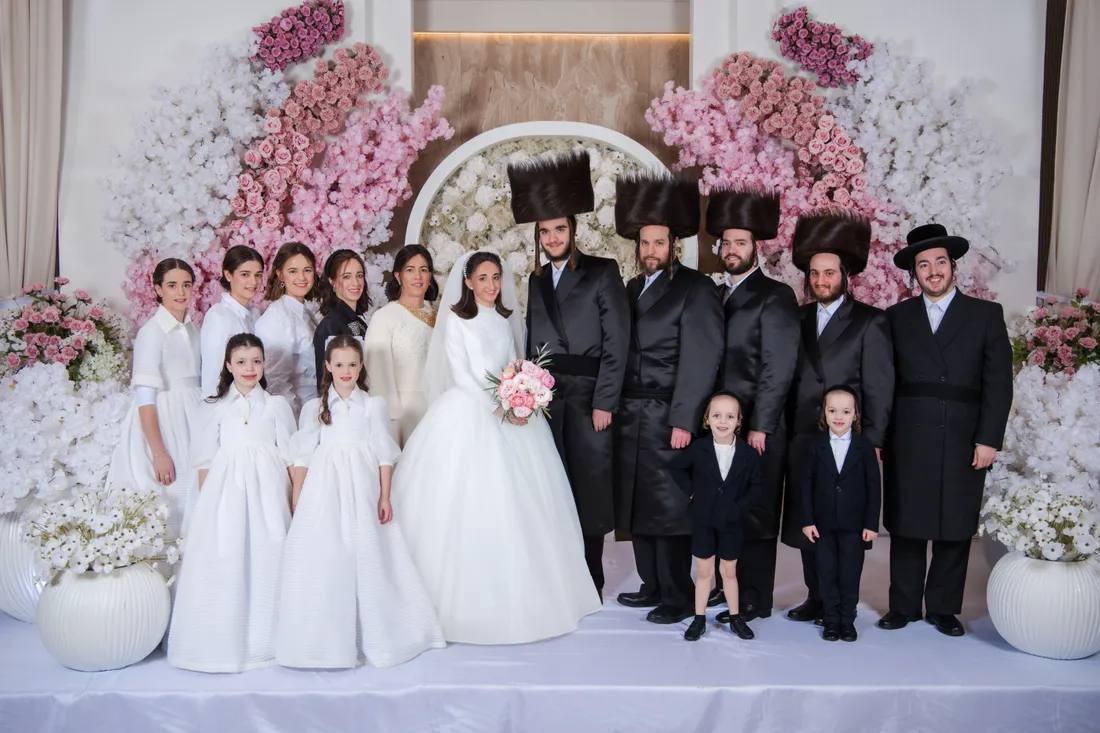 Couple added in the group
BeforeAfter
Couple added in the group
BeforeAfter
Adding People to Wedding and Family Photos
A convincing result depends on more than cutting someone out and pasting them in.
Your retoucher matches the added person to the scene by hand in Photoshop, so the group looks like it was photographed together. Tell us where they should stand, or ask us to suggest the most natural spot.
What We Need From You
For the best result, send:
- The group photo
- A photo of the person or couple to add
- A height reference photo
- Where they should stand
What is a height reference photo? It's a photo of the person or couple standing close to someone from the group. It shows us how tall they are compared with the others, so they look the right height in the final image.
Common Requests
- Adding the bride and groom to a family photo taken while they were away
- Adding a relative who missed the formal portraits
- Adding a family member to a group after the event
- Adding someone who couldn't attend the event
- Combining two group photos into one
How We Add a Person to a Group Photo
- Send your photos and notesUpload the group photo, the photo of the person or couple, and the height reference photo. Tell us where they should stand.
- We cut out and place themYour retoucher separates the person by hand, including hair and veils, and uses the height reference to size them against the group.
- We blend them into the sceneLight, shadows, color and grain are matched, and arms, shoulders and dresses are fitted around the people beside them.
- You review the resultCheck the photo and ask for changes until it looks right.
How to Shoot for an Easy Add
A few extra frames on the day can save a family photo later. If you know someone will miss the group shot, or the couple needs to leave:
- Photograph the missing person or couple in the same spot, with the same light
- Keep the same lens and distance from the group, if you can
- Take a height reference photo of them standing close to someone from the group
- Ask them to stand at the angle they'll appear in the final photo
- Keep the original files, as larger images blend better
Why do you need a height reference photo?
Without one, we can only guess how tall someone is compared with the group. A photo of them standing close to someone from the group lets us get the height right, so they look like they were really there.
Can you add someone who wasn't at the event?
Yes. Send the group photo and a photo of the person. A photo with similar light and angle gives the most natural result, and if you can, include a height reference photo of them standing close to someone from the group.
What if I don't have a height reference photo?
Send what you have, and we'll tell you what's possible before we start.
How much does it cost?
Adding people is priced separately from basic retouching. Create a free account to see the price.
How long does it take?
Most retouching orders are delivered in 1–3 working days. Complex composites may take a little longer, and we'll tell you before we start.
Can I ask for changes?
Yes. Ask for as many revisions as you need, at no extra cost.
Can you also remove someone from the photo?
Yes. See removing a person from a photo.
Risk-Free Trial: Try Before You Buy, No Strings Attached
Send us 10–20 images and we'll edit or design a sample for you. If you don't love it, you don't pay.
Start Free Trial